Creative Blaster Modem Uživatelská příručka Strana 13
- Strana / 38
- Tabulka s obsahem
- ŘEŠENÍ PROBLÉMŮ
- KNIHY

- User’s Guide 1
- Table of Contents 2
- 5 Modem Features 3
- A General Specifications 3
- B Troubleshooting 3
- Introduction 4
- Document 6
- Conventions 6
- V.92 USB 7
- About your 8
- Installing your Modem 10
- Step 3: 12
- Connecting your 12
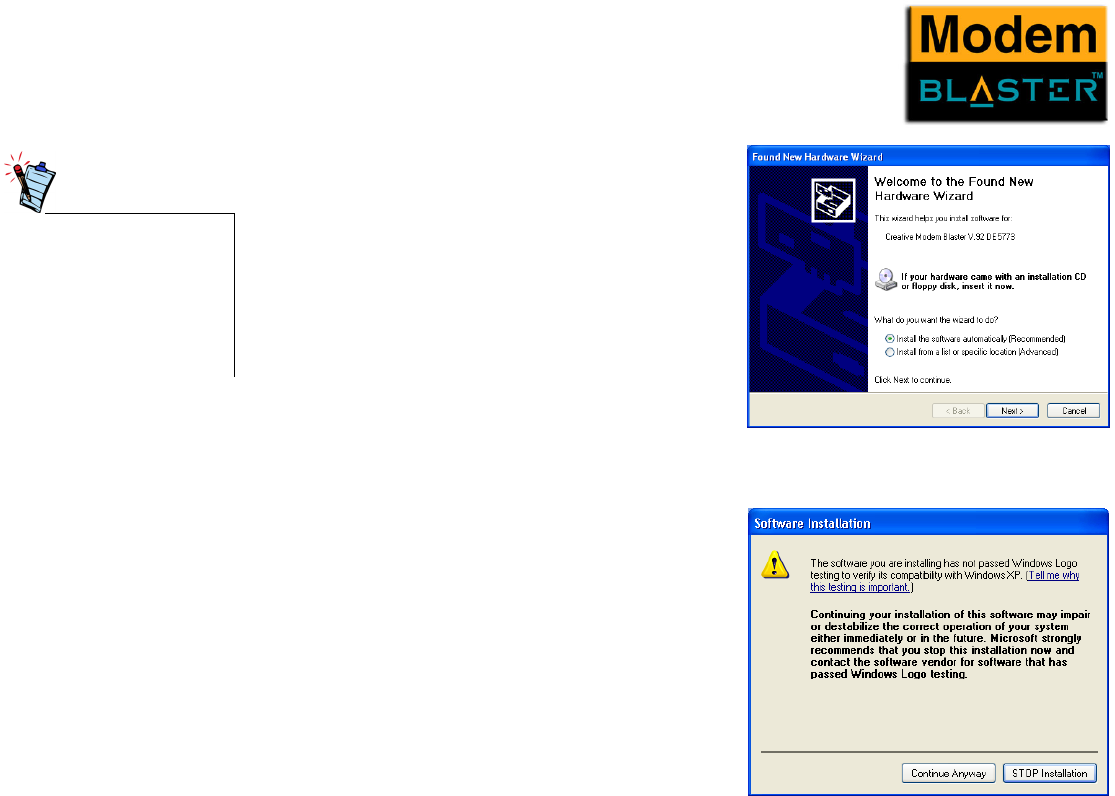
- Installing your Modem 2-3 13
- Notes on Telephone 14
- Testing your Modem 15
- Windows 2000 17
- Testing the 17
- Installation in 17
- Windows ME 18
- Windows XP 19
- Uninstalling Modem Drivers 20
- Uninstalling the 22
- Modem in 22
- Windows Me 23
- Modem Features 25
- Modem Features 5-2 27
- Modem Features 5-3 28
- Using Modem 29
- Outgoing MOH requires Three 30
- Way Calling 30
- Figure 5-3 30
- Figure 5-4 30
- General Specifications 31
- Video Conferencing 33
- Troubleshooting 34
- Resolving Hardware 36
- Conflicts 36
- Resolving Conflicts 37
- Troubleshooting B-4 38
Související produkty a manuály pro Směrovače Creative Blaster Modem
 (2 stránky)
 (32 stránky)
 (20 stránky)
© 2020, manymanuals.cz. Všechna práva vyhrazena. | 0.027 s |
 Manymanuals.com
 Manymanuals.de
 Manymanuals.fr
 Manymanuals.it
 Manymanuals.pl
 Manymanuals.cz
 Manymanuals.es
 Manymanuals-pt.com
Komentáře k této Příručce